The AIEcosystemfor building games
Understands your code, scenes, UI, assets and runtime. Plans, edits, tests and iterates directly in the engine. Starting with Roblox Studio.
Everything you need to build
Create, plan, generate, and ship without leaving Studio.
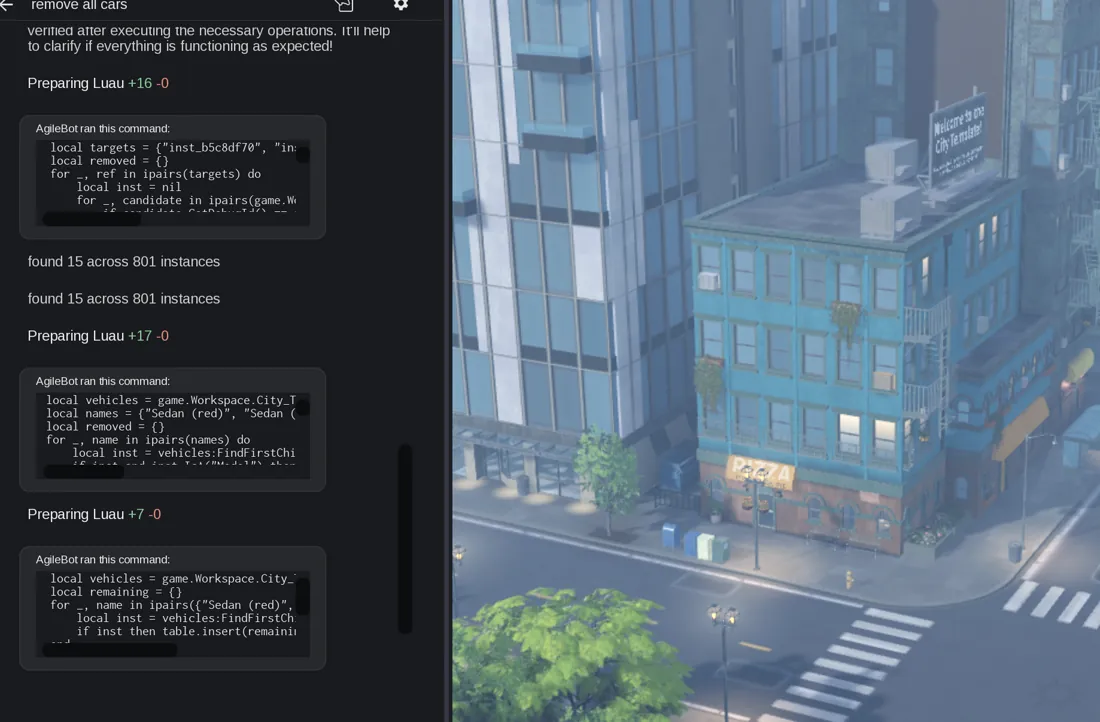
AI Agent
Explores, plans, edits, and builds with full project awareness.

Thumbnails
Generate ready-to-post promo art in seconds.

Assets / Icons
Create icons, UI graphics, and other game assets.

Music
Generate soundtrack ideas and mood cues instantly.
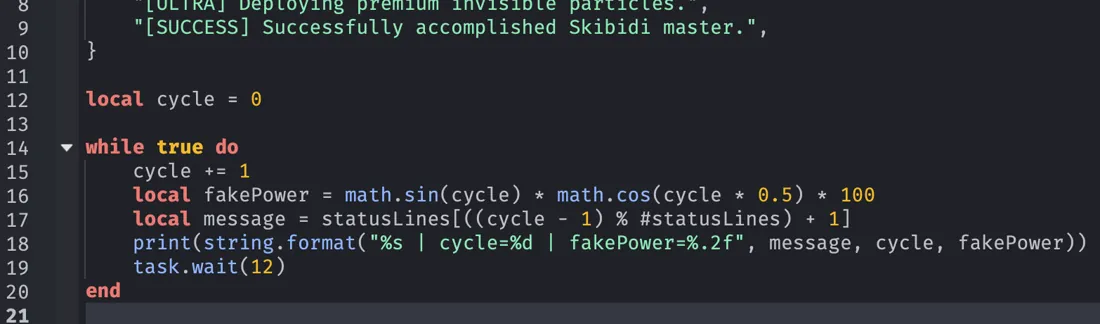
Code & Lua
Write, edit, and explain Lua code with confidence.
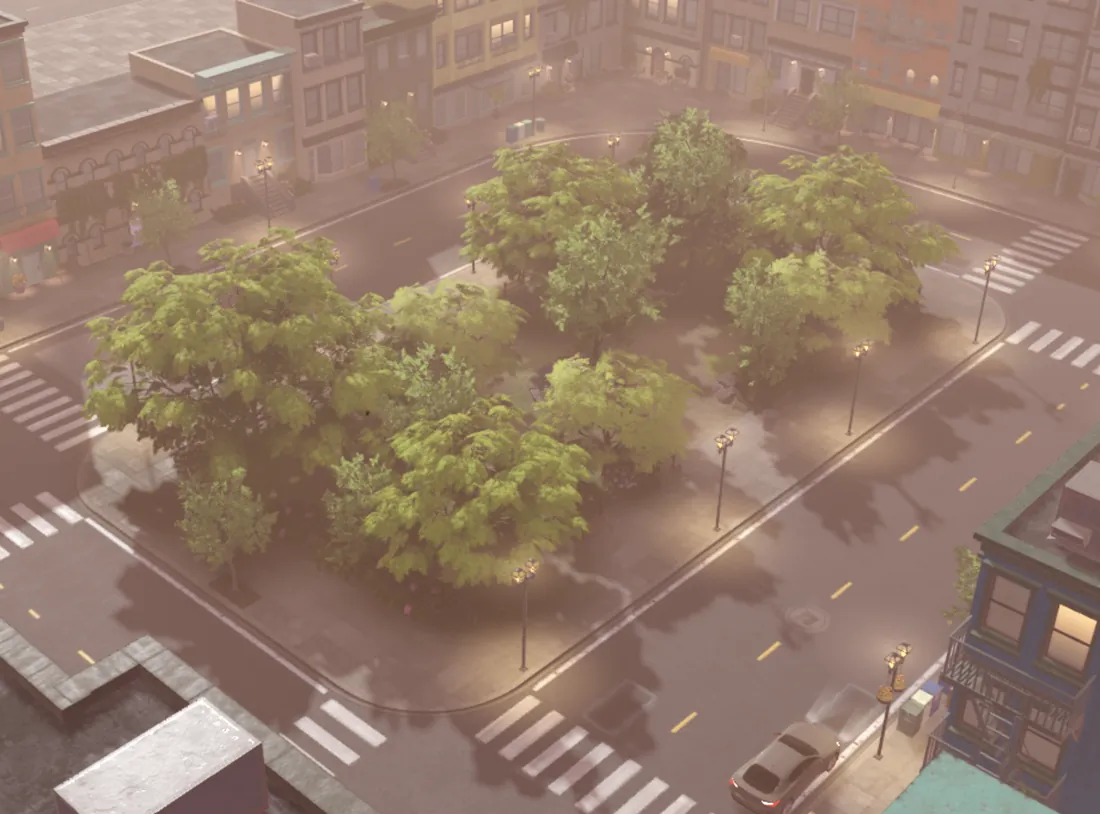
Models / Scenes
Inspect scenes, assets, and runtime context with ease.
How AgileBot helps

Frequently asked questions
Which engines does Agilebot support?
Agilebot currently supports Roblox Studio. We started there because Roblox has millions of active creators and fast iteration workflows, but Agilebot is being built as a general AI agent for game development.
Is Agilebot just a Roblox Studio plugin?
No. The first version is delivered as a Roblox Studio plugin, but the core product is an AI agent that understands game projects, uses editor tools, edits code, and iterates on tasks. Roblox Studio is the first supported environment.
Will it support Unity, Unreal, or Godot?
The current public version is focused on Roblox Studio. The long-term direction is to bring the same agent workflow to more game engines.
What makes this different from other game building AI tools?
Everything runs through one Roblox Studio plugin with no extra software on your computer. Built for production debugging, refactors, gameplay systems, and long-term maintenance.
How do I use Agilebot?
Simple 3-step installation: register for free, install the Roblox Studio plugin, and start building.
What does it cost?
AgileBot has a free plan available forever with GPT 6 Luna and usage limits. Paid plans unlock more models and higher limits.
How is this better than connecting OpenClaw or MCP servers to Roblox?
Those tools were not designed around Roblox. Simple tasks cost far more requests to achieve the same result and produce sloppy unmanageable output, wasting a huge amount of compute on basic tasks. Agilebot is purpose-built for the Roblox development workflow.